
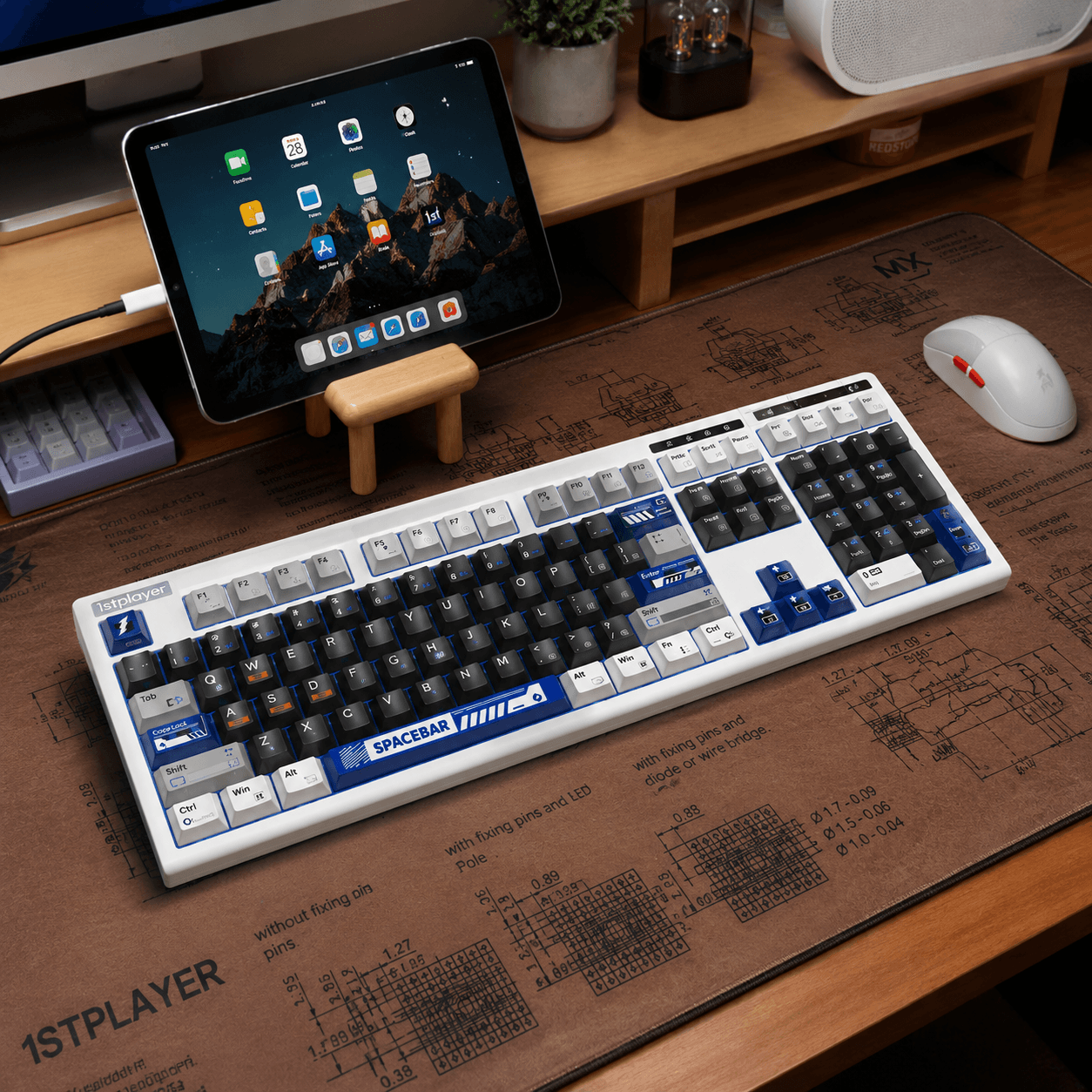
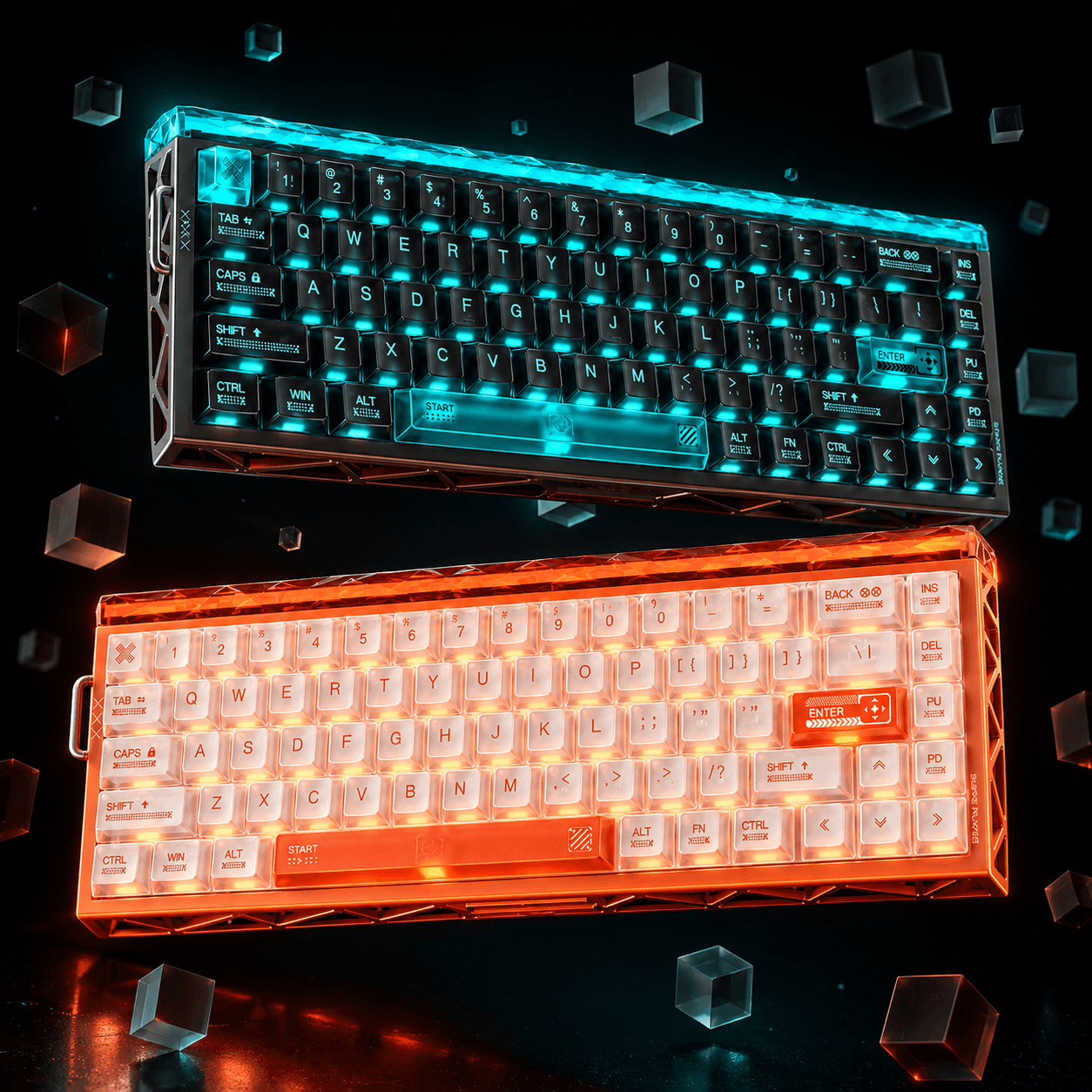
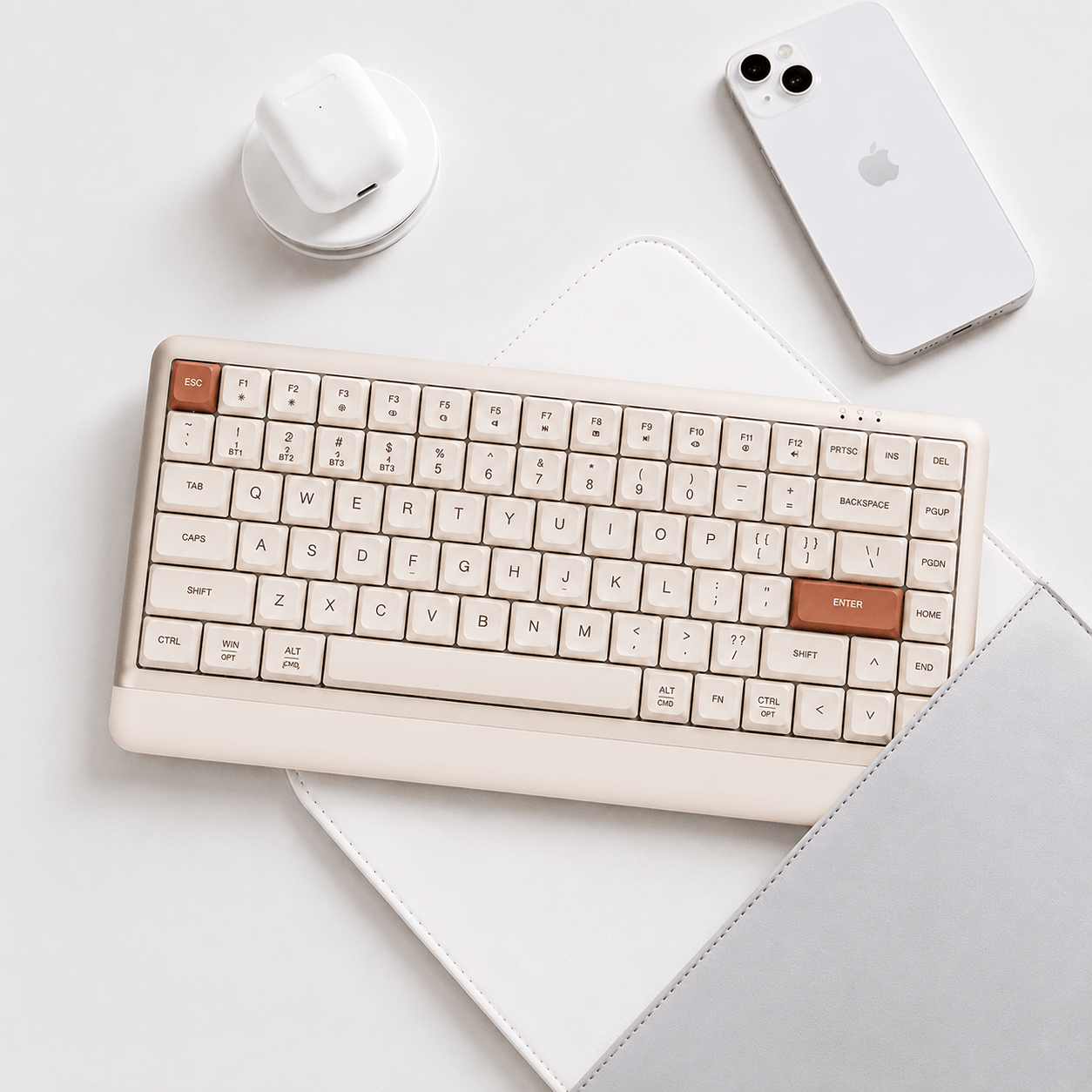

A compact numeric keyboard can be practical without feeling like a standard office board. The EWEADN X98PRO Wireless Mechanical Keyboard adds a touch-control feature, expressive configurations and performance-oriented wireless specifications to that familiar idea. Its most distinctive selling point is the physical interaction: a touch strip offers a different way to handle adjustments alongside the normal key layout.
This review is based on the store's product-page information. The listing also contains X98 configurations alongside X98PRO options, so it is particularly important to read the selected variant. Battery capacity, switches and other features should not be inferred from the broadest headline for the whole product page.
A compact 98 percent arrangement with numeric keys
The layout keeps a number pad while reducing the gaps of a traditional full-size keyboard. That can suit a desk used for spreadsheets, editing and games, where numeric access matters but width should stay under control. It still takes more space than a TKL or 75 percent model, so measure your mouse area before ordering.
Among GamePeripherals high polling rate keyboards options, the X98PRO is worth considering when useful desktop coverage matters alongside receiver-based gaming. Check the positions of navigation commands in the images. A compact full-key arrangement is most useful when the keys you reach for frequently remain easy to find, rather than making the board smaller at the expense of your own shortcuts.

The touch strip changes the control experience
The page describes a smart touch-control strip along the right side of the X98 design. This gives the series a different interaction style from boards that rely on a round knob or key combinations. Review the current configuration instructions and the selected version's feature support to understand which adjustments the strip handles.
For someone looking for a 98 percent wireless mechanical keyboard, this control is a useful reason to examine the X98PRO more closely. It is still worth considering hand placement and desk position: a control only adds value if it is easy to reach without accidental contact. Learn the basic gesture behavior before mapping additional functions or depending on it during a game.
PRO and non-PRO configurations need separate attention
The listing includes X98PRO Shadow Light with Phantom Latte switches and X98PRO Violet Mist or Obsidian Purple with Viper pairings. It also includes non-PRO X98 Cloud Blue and Sakura Pink configurations. These are not merely cosmetic differences within one guaranteed specification.
The product material highlights 12000mAh capacity for the larger-battery configurations, while Cloud Blue is described with 8000mAh. Confirm the exact model, switch and battery before checkout. Buying from a combined listing makes this small check especially important, because a series-level feature image can otherwise lead you to expect a specification associated with another option.

High polling and advertised latency need context
Dual 8K wired and 2.4GHz operation is a headline feature on the page. Verify that support for the selected version rather than applying it automatically to every X98 option. The listed 0.05ms latency claim is also a product-page figure, not an independent measurement of complete input-to-display delay.
Within GamePeripherals long battery life keyboards choices, the X98PRO is most persuasive when the battery and connection features fit your daily routine. At 8,000Hz, the reporting interval is 0.125ms, while sensing, computer processing and display behavior are separate stages. Try higher polling on your actual system and keep a stable baseline setting available if a particular game or computer behaves differently.
| Feature | What to expect | Buying consideration |
|---|---|---|
| PRO options | Shadow Light, Violet Mist and Obsidian Purple listed | Verify the complete switch and battery pairing |
| Other options | Non-PRO X98 configurations share the listing | Do not assume identical specifications |
| Battery | 12000mAh headline; Cloud Blue listed at 8000mAh | Runtime examples use specific settings |
| Control feature | Smart touch strip described for the X98 design | Check support and gestures for the selected version |
Construction aims to support more than gaming
The page describes a gasket arrangement, five internal dampening layers, a flexible PC plate and a 1.2mm PCB with individual key slots. These details form the listed typing foundation. They can influence compliance and resonance, but the complete switch-and-keycap pairing still matters when deciding how the board might feel and sound.
Keycap descriptions vary across configurations, including different profiles and printed treatments. Choose the version you can read comfortably in normal light, not just the one with the most dramatic RGB image. Try the stock board before changing multiple parts at once so any later modification has a clear baseline for comparison.

Battery claims depend on the test settings
The page's extended endurance examples for the 12000mAh configuration use specific 1K reporting and lighting conditions. Those examples should not be transferred automatically to 8K wireless use. Lighting-on and lighting-off scenarios also produce very different results, which is why capacity alone cannot promise a fixed charging schedule.
If your search includes a mechanical keyboard with touch control strip, the X98PRO's interface is the feature to investigate carefully, while its large-battery options add practical interest. E-HUB web and client configuration provide customization routes, but the board remains mechanical. Advanced input software does not establish true Hall Effect travel sensing or continuously adjustable magnetic actuation.
The buying verdict
The X98PRO suits someone who wants a compact numeric layout, an unusual touch-control interface and a performance-oriented wireless configuration. Its layered construction and expressive themes make it a rounded desktop proposition. It is less suitable if you want an unmistakably simple variant choice, maximum mouse space or true magnetic actuation tuning.
Check the PRO designation, battery, switch and supported control features before choosing an option. After setup, test basic numeric work, connection switching and the touch strip before creating complex profiles. The board's value comes from a complete configuration that fits your habits, with the touch control adding a distinctive convenience once you know how it behaves.
FAQ
Is every option in this listing an X98PRO?
No. The page also includes non-PRO X98 configurations.
Does every option have a 12000mAh battery?
No. Cloud Blue is described with 8000mAh; verify the selected version.
Are the longest runtime figures for 8K use?
The cited extended examples use specific 1K and lighting conditions.


댓글 남기기
이 사이트는 hCaptcha에 의해 보호되며, hCaptcha의 개인 정보 보호 정책 과 서비스 약관 이 적용됩니다.