
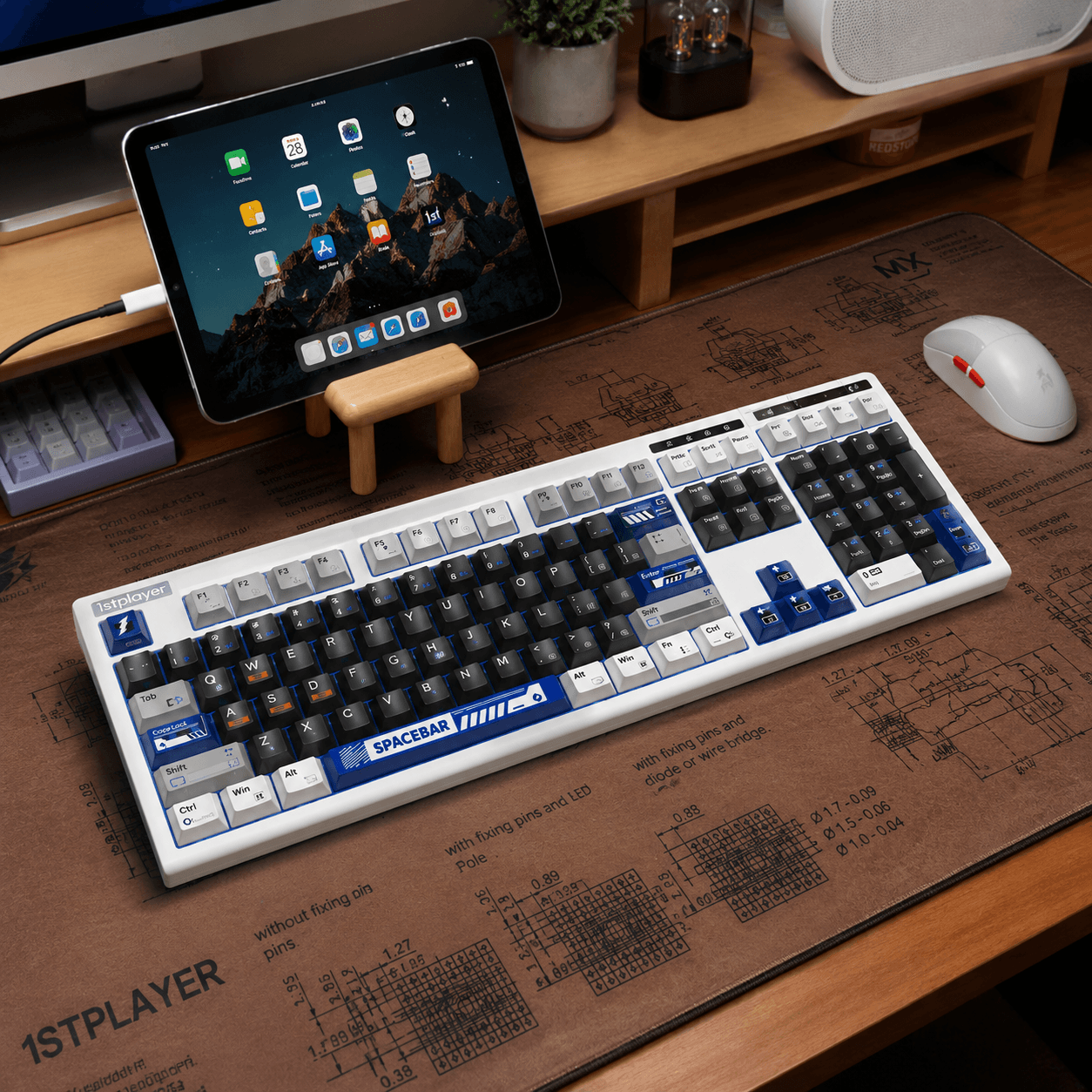
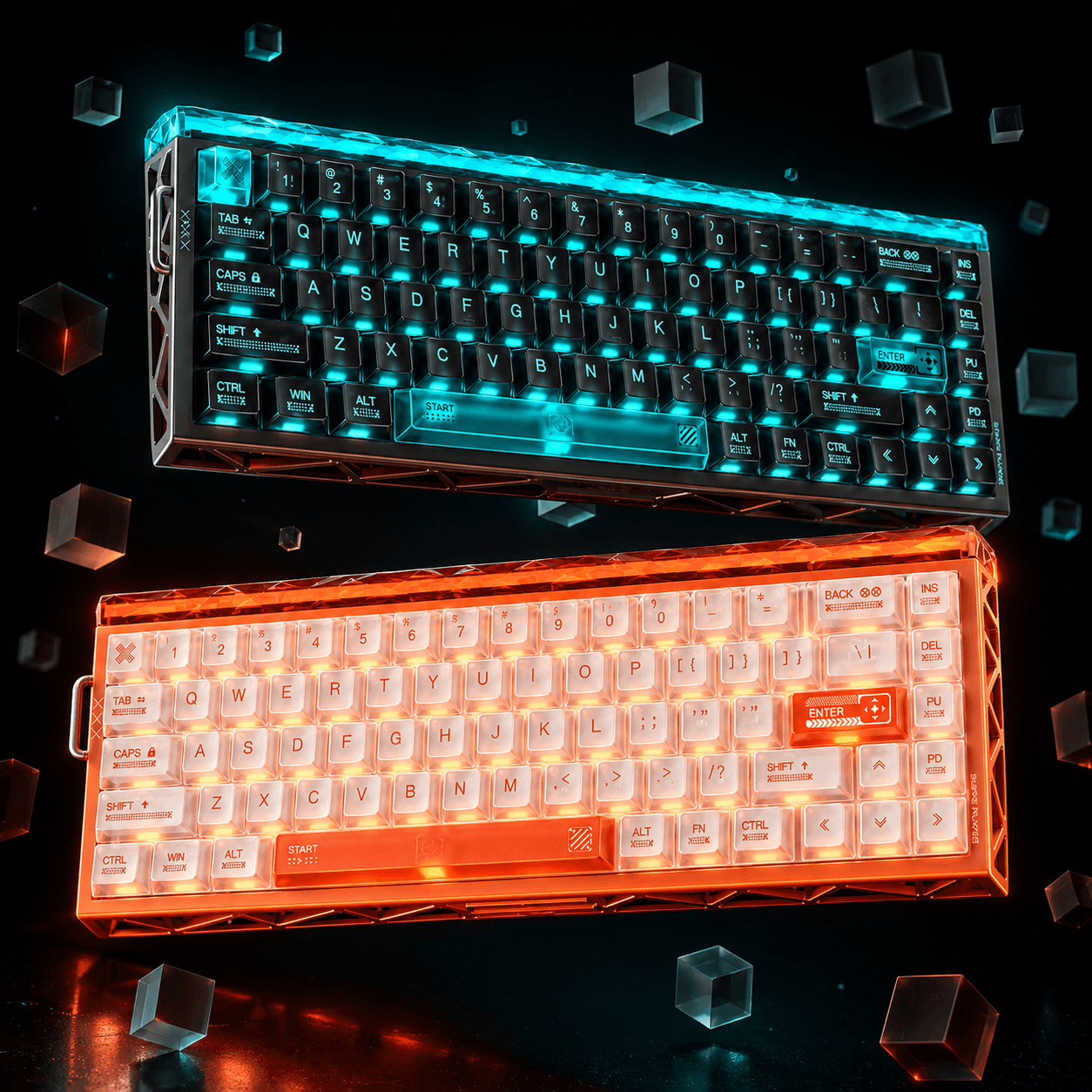
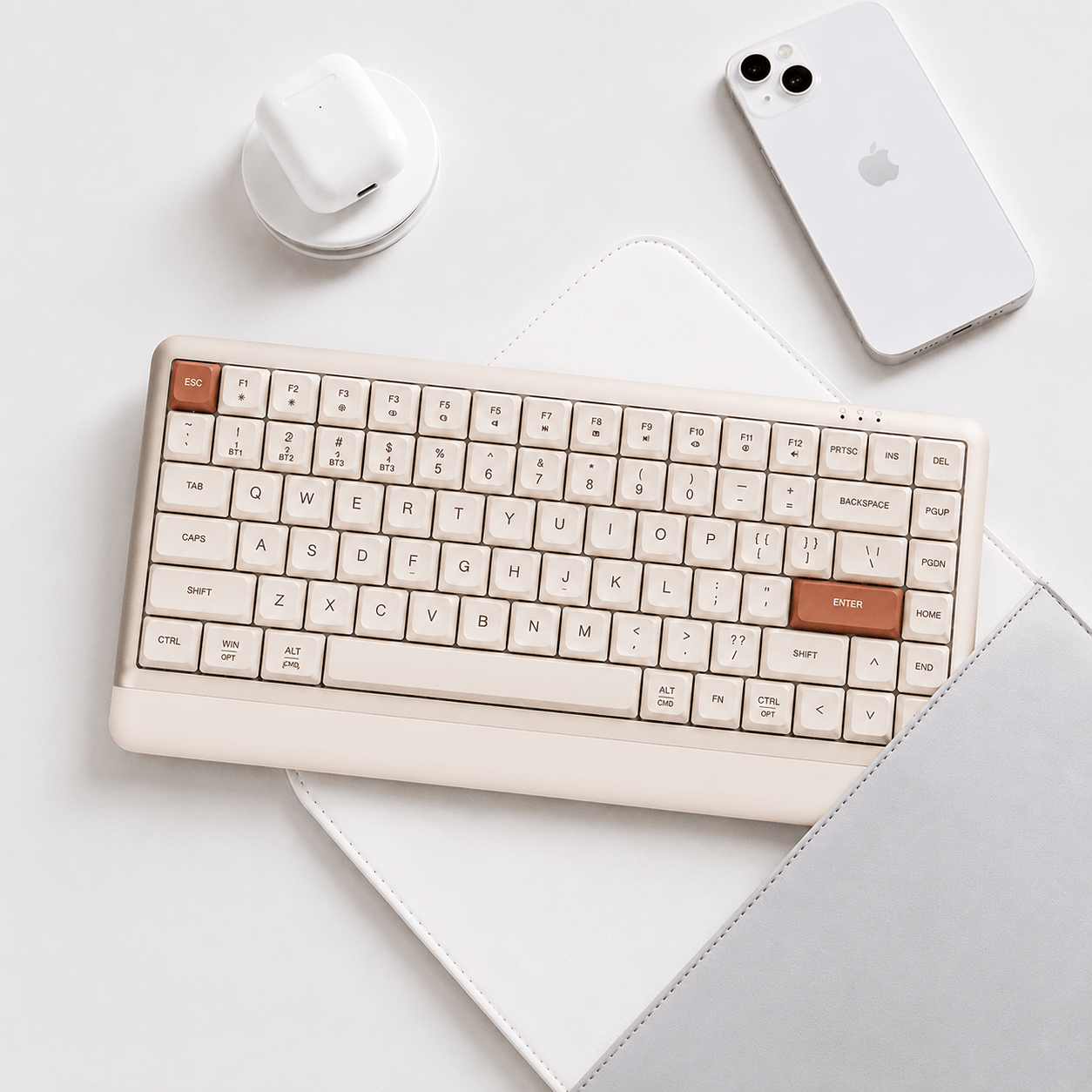
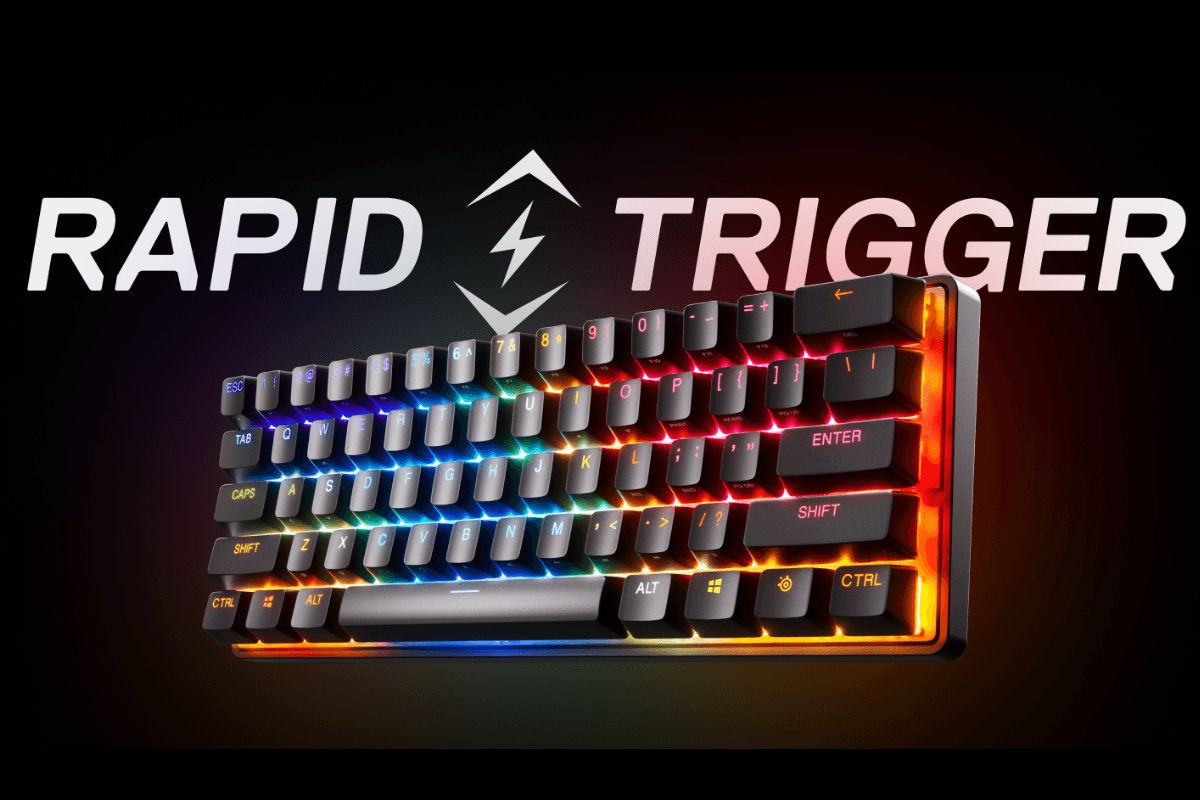
Rapid Trigger is worth considering if movement keys feel slow to reset during repeated taps. Its main benefit is control over when an input ends and starts again. It does not improve your internet connection or guarantee better aim. Within the selection of GamePeripherals rapid trigger keyboards, the useful differences are layout, connection mode and how comfortably you can tune the keys you actually use.
This review explains the technology and its buying trade-offs rather than presenting unmeasured latency benchmarks. For an FPS setup, reliable key release and a sensible profile matter more than choosing the smallest number on a specification sheet.
What Rapid Trigger changes
A conventional digital switch activates and resets at physical contact thresholds. Rapid Trigger uses changes in key position to control the input dynamically after activation. Lift the key by the configured release distance and the input can stop without waiting for a conventional fixed reset point.
Initial actuation and Rapid Trigger sensitivity are separate controls. Actuation determines when the first press registers; Rapid Trigger determines the movement needed for subsequent release and reactivation. Compatible analog sensing and firmware are required. Ordinary mechanical switches do not gain this behavior simply because a keyboard supports fast USB polling.

Where it helps in FPS games
Repeated direction changes, short movement taps and stopping before a shot are useful situations for testing the feature. When adjusting rapid trigger settings for FPS games, enable the feature on movement keys first and leave your typing profile more forgiving. That makes it easier to learn what changed without making every shortcut unusually sensitive.
Try the same movement drill with the feature enabled and disabled. Keep game sensitivity, frame-rate settings and key bindings unchanged. Watch for unwanted releases when you relax your fingers, as well as accidental presses when resting them. The best setting is one you can use consistently through a full session.
Polling rate is only part of latency
At 1,000Hz, the nominal reporting interval is 1ms; at 8,000Hz, it is 0.125ms. These are intervals between USB reports, calculated from the polling frequency. They are not complete measurements from finger movement to an image appearing on your monitor.
Key sensing, scanning, firmware processing, USB communication and the game all contribute to the result. A claimed scan rate or tiny sensitivity increment cannot establish end-to-end latency by itself. For a meaningful comparison, look for independent tests that use the same measurement method and connection mode. The RTINGS keyboard latency methodology explains which stages its tests measure.

The practical pros and cons
When comparing GamePeripherals 8K magnetic keyboards, consider how the features affect your normal play rather than treating each specification as a separate reason to upgrade. Dynamic reset can make repeated inputs easier to manage, while excessive sensitivity can make movement less predictable.
| Feature | Potential advantage | Trade-off to consider |
|---|---|---|
| Dynamic reset | Less release travel before an input ends | Very sensitive settings can cause unintended resets |
| Adjustable actuation | Tune initial key activation | Shallow settings can register resting fingers |
| 8K USB polling | A nominal 0.125ms report interval | Not a measurement of complete input latency |
Rapid Trigger also differs from SOCD or directional-priority features, which resolve overlapping opposing inputs. Do not assume that enabling one enables the other. Review your game's and event's current input rules before using automation or directional-priority options.
Two keyboards worth considering
For players who want a function row and separate navigation keys, the EWEADN X87HE 8K Wired Magnetic Switch Keyboard offers an 80% layout, a wired connection and listed 8K polling. The store also lists Rapid Trigger support. Its larger layout can suit a desk used for work as well as gaming; measure the space left for mouse movement before choosing it.
If desk space and wireless flexibility matter more, AULA HERO 68XS is a useful alternative. Its 65% layout, wired, 2.4GHz and Bluetooth connections, and listed dual 8K support provide a different balance. Check the selected performance mode instead of assuming Bluetooth delivers the advertised maximum polling rate. Choose between these boards by layout and connection needs before comparing sensitivity claims.
Set up for consistency
Save a default profile before making changes. Follow the keyboard's calibration instructions, choose comfortable initial actuation, and adjust release sensitivity gradually. Keep a separate profile for writing or work. If inputs become unstable, return to your known baseline and change one setting at a time.
When weighing rapid trigger keyboard pros and cons, prioritize comfortable key behavior, software usability and a layout that fits your desk. The feature is most compelling when you repeatedly notice the limitation of a fixed reset point. If your present keyboard already feels predictable, a new profile is a preference decision rather than a guaranteed competitive upgrade.
FAQ
Does Rapid Trigger reduce ping?
No. It changes keyboard input behavior, not network latency.
Is an 8K keyboard automatically a Rapid Trigger keyboard?
No. Fast polling and position-based key control are separate features.
Should every key use the same sensitivity?
No. Movement keys and everyday typing often benefit from different settings.

댓글 남기기
이 사이트는 hCaptcha에 의해 보호되며, hCaptcha의 개인 정보 보호 정책 과 서비스 약관 이 적용됩니다.