
Gaming Mouse Pads

布製ゲーミングマウスパッドの掃除方法

How to Clean a Cloth Gaming Mouse Pad-gameperipherals

A cloth gaming mouse pad can collect dust, sweat, skin oils, and food crumbs over time, making the surface look dirty and affecting how smoothly your mouse glides. Fortunately, cleaning it properly is simple and doesn’t require expensive products. In this guide, we’ll show you how to safely clean a cloth gaming mouse pad, remove stubborn stains, and keep it in good condition for longer.

What You’ll Need

Before cleaning your cloth gaming mouse pad, gather a few simple supplies. You’ll need warm water, mild dish soap, a soft sponge or microfiber cloth, a soft-bristled brush, and a clean towel. Avoid harsh cleaners, bleach, or abrasive brushes, as they can damage the fabric surface or rubber backing. Having everything ready beforehand makes the cleaning process easier and helps you avoid unnecessary scrubbing for gaming mouse pad care.

Item Purpose
Warm water Helps loosen dirt and stains
Mild dish soap Removes sweat, oil, and everyday grime
Soft sponge or microfiber cloth Gently cleans the cloth surface
Soft-bristled brush Helps remove stubborn dirt without damaging the fabric
Clean towel Absorbs excess water after rinsing
What You’ll Need Clean Mouse Pad-gameperipherals

How to Clean a Cloth Gaming Mouse Pad Step by Step

Cleaning a cloth gaming mouse pad is straightforward, but using the right technique can help protect both the fabric surface and rubber base. Follow these steps for a thorough and safe clean.

1. Remove Dust and Debris

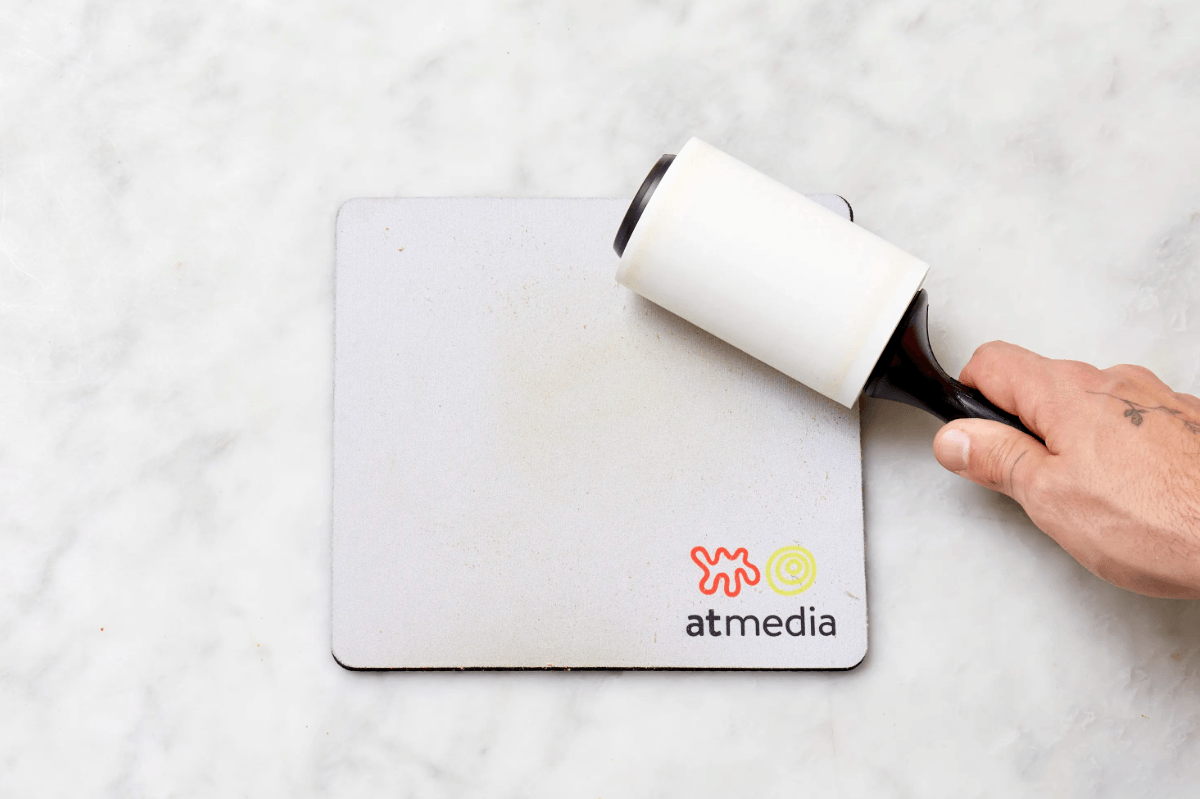
Start by removing your mouse, keyboard, and other items from the mat. Shake the mouse pad gently or use a dry microfiber cloth or soft brush to remove loose dust, hair, and crumbs.

2. Prepare a Mild Cleaning Solution

Fill a basin or sink with warm water and add a small amount of mild dish soap. You only need enough soap to create a gentle cleaning solution—too much can make rinsing more difficult.

3. Gently Scrub the Surface

Dip a soft sponge, microfiber cloth, or soft-bristled brush into the solution and gently clean the mouse pad in small circular motions. Pay extra attention to areas with visible stains, but avoid aggressive scrubbing that could damage the fabric.

4. Rinse Thoroughly

Rinse the mouse pad with clean water until all soap residue is removed. Leftover detergent can make the surface feel sticky and may affect the mouse's glide.

5. Remove Excess Water

Lay the mouse pad flat and gently press a clean towel against the surface to absorb excess water. Avoid twisting, wringing, or folding the mouse pad while it is wet, as this can damage its shape or rubber backing.

Clean Mouse Pad-gameperipherals

6. Let It Air Dry Completely

Place the mouse pad flat in a well-ventilated area and allow it to air dry naturally. Make sure it is completely dry before using it again. Depending on the thickness and material, drying may take several hours

After cleaning the mouse pad-gameperipherals

How to Remove Stubborn Stains

For tougher stains such as coffee, food, grease, or dried sweat, you may need a little extra cleaning effort. First, apply a small amount of mild dish soap to the stained area and gently work it into the fabric with a soft sponge or soft-bristled brush. Let the soap sit for a few minutes, then rinse the area thoroughly with clean water. For gamers who want a more consistent experience, maintaining a smooth mouse surface can also help preserve comfortable and reliable mouse movement

Remove Stubborn Stains mouse pad-gameperipherals

For particularly stubborn stains, repeat the process rather than scrubbing harder. Avoid bleach, alcohol-based cleaners, or other harsh chemicals, as they may fade the fabric, damage the rubber backing, or affect the mouse pad’s surface texture. Always test any cleaning solution on a small, inconspicuous area first.

FAQ

What Not to Do When Cleaning a Cloth Mouse Pad

Cleaning a cloth mouse pad requires a gentle approach. Avoid harsh chemicals, bleach, and abrasive cleaners, which can damage the fabric surface or rubber backing. You should also avoid using hard brushes or scrubbing aggressively, as excessive friction can wear down the cloth and affect mouse glide. Never twist, wring, or fold the mouse pad while it is wet, and avoid high heat from hair dryers or tumble dryers, which may deform the rubber base. Most importantly, let the mouse pad dry completely before using it again.

How Often Should You Clean Your Gaming Mouse Pad?

How often you should clean your gaming mouse pad depends on how frequently you use it and your gaming environment. For most gamers, a thorough cleaning once a month is a good starting point. If you game every day, sweat more, eat at your desk, or notice visible dirt and an inconsistent glide, you may need to clean it more often. For lighter use, cleaning every two to three months may be enough. Between deep cleans, a quick wipe with a microfiber cloth can help remove dust and surface buildup.

How to Keep Your Mouse Pad Clean Longer

A few simple habits can help keep your cloth gaming mouse pad cleaner between deep cleans. Wash your hands before gaming, especially after eating, to reduce oil and dirt buildup. Avoid eating or drinking directly over the mouse pad, and regularly wipe away dust with a dry microfiber cloth. Keeping your desk clean also helps prevent dust and debris from settling on the surface. Finally, clean up spills as soon as they happen instead of letting stains dry. With regular maintenance, your mouse pad can stay cleaner, smoother, and more comfortable to use for longer. However, when your old mouse pad becomes heavily stained or worn out, replacing it with a new GamePeripherals mouse pad may be a better option than continuing to clean it.

次を読む

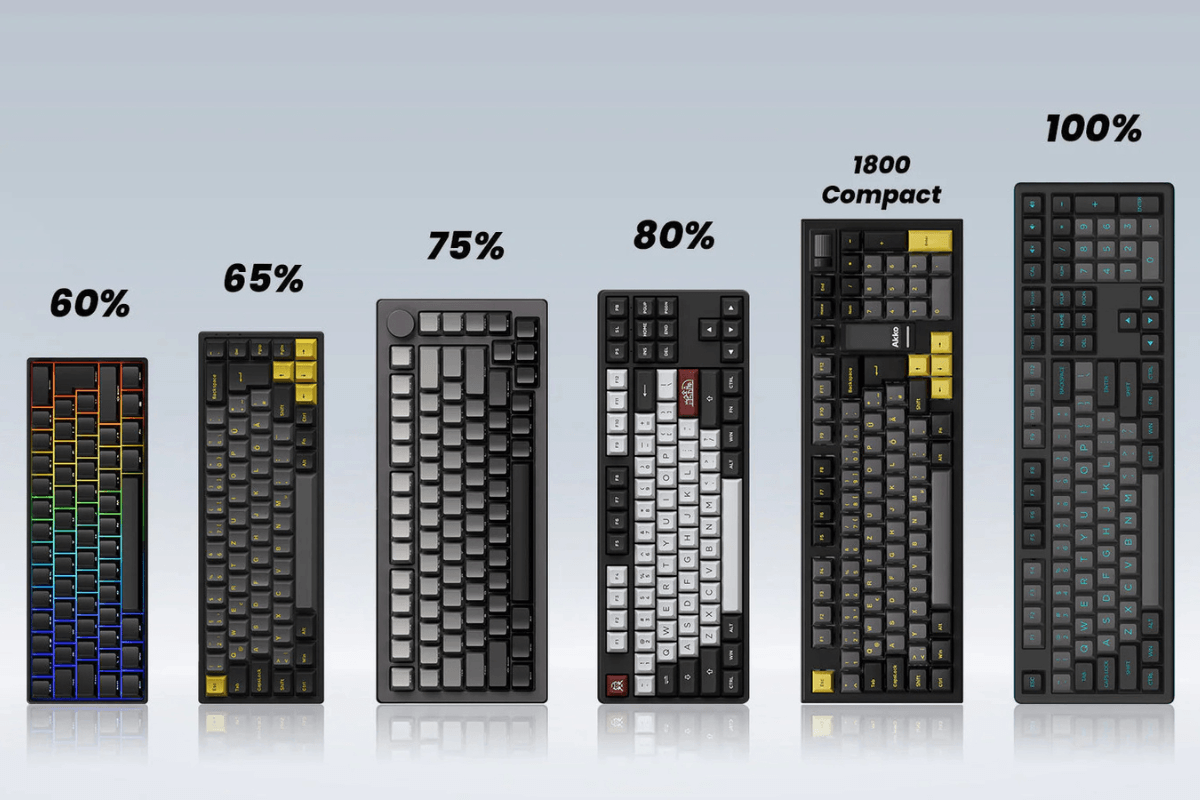
60% vs 65% vs 75% vs TKL Keyboards-gameperipherals
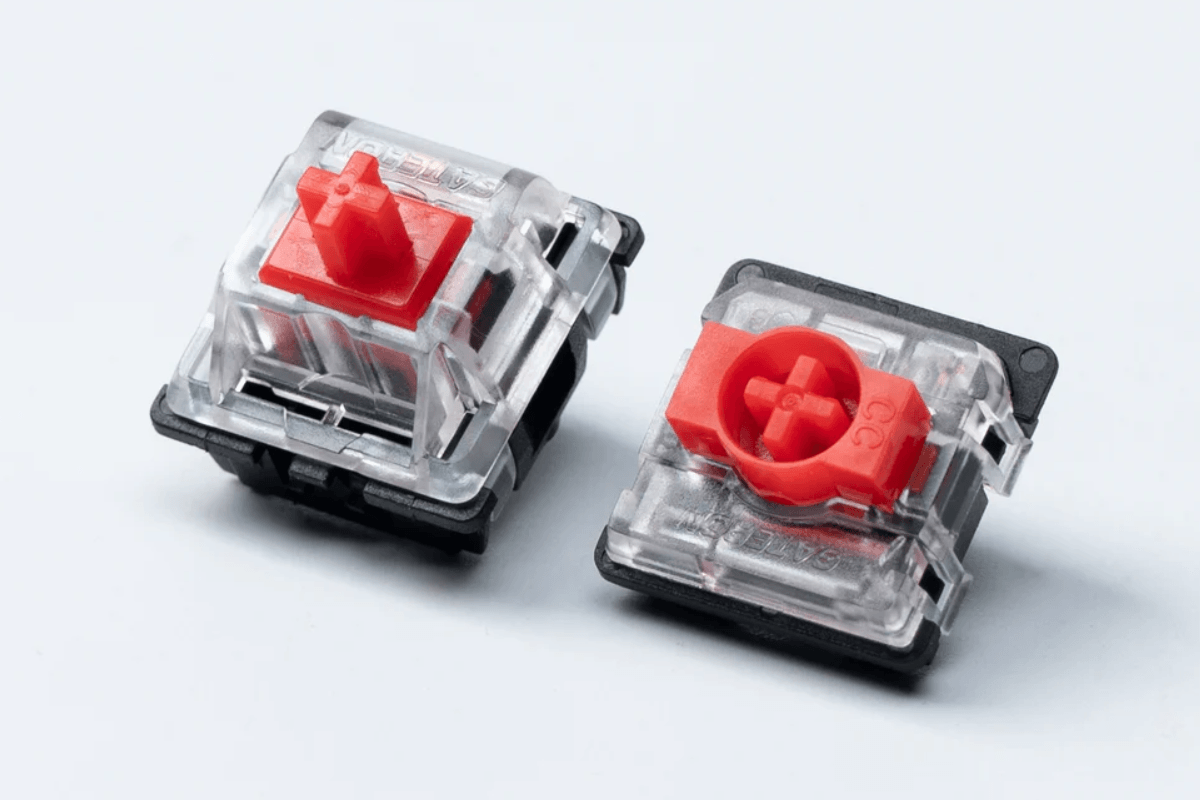
Low-Profile vs Standard Mechanical Switches-gameperipherals

コメントを残す

このサイトはhCaptchaによって保護されており、hCaptchaプライバシーポリシーおよび利用規約が適用されます。